Apple Mail App Setup

Mar 12, 2026
 26
26
To set up your company email on the Apple Mail app, follow the ten steps below:
Step 1: Navigate to your phone settings
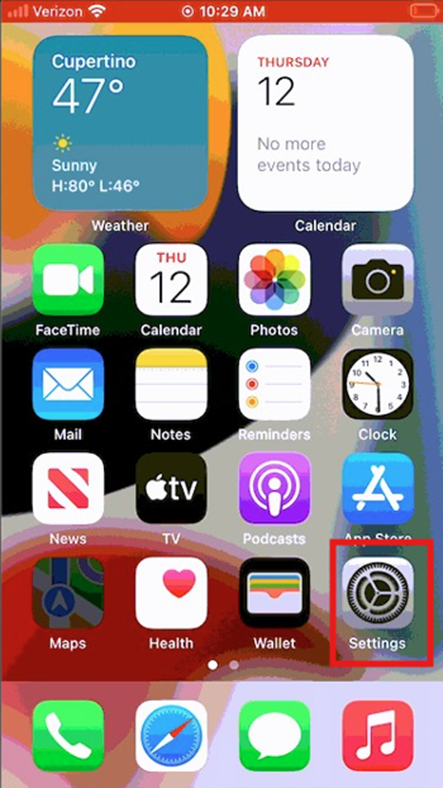
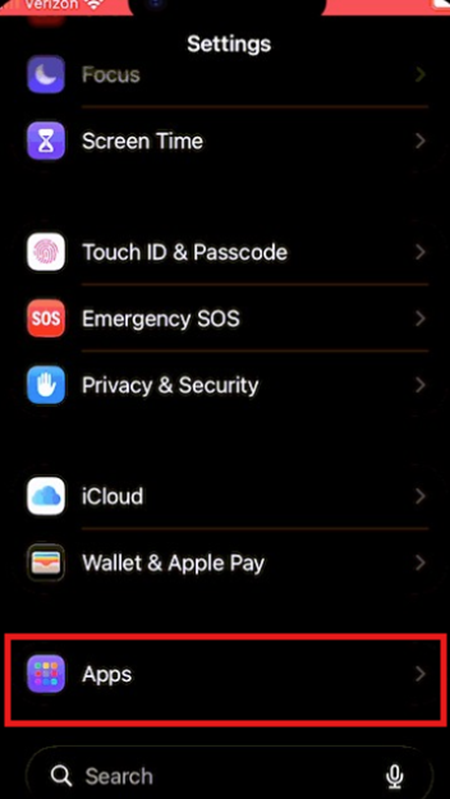
Step 2: Click Apps and scroll down to Mail
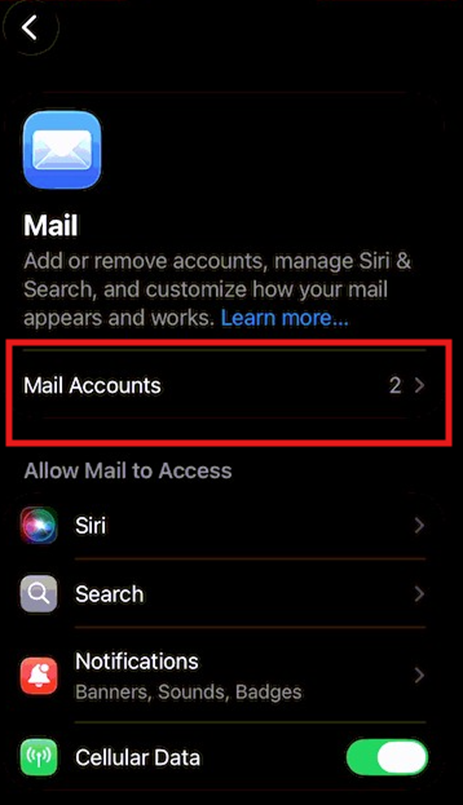
Step 3: Select Mail Accounts
Step 4: Select PGT Trucking
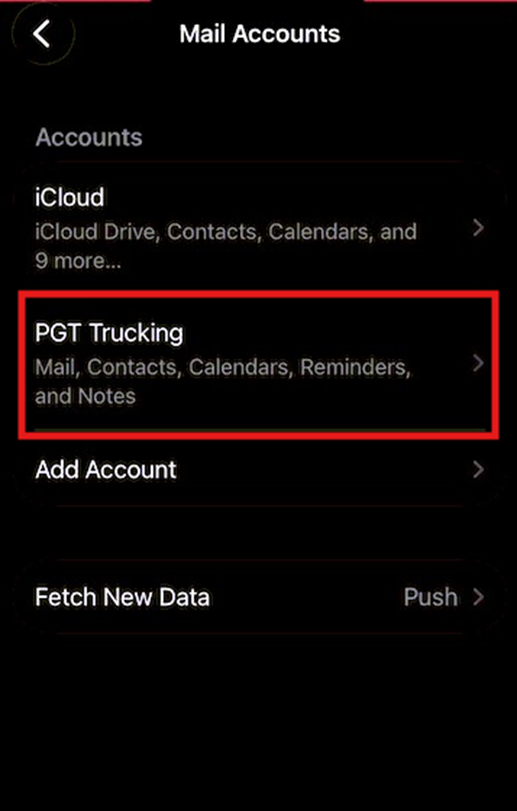
Step 5: Click Re-enter Password. Please note: You must use the @pgttrucking.com domain to sign into your email even if your sending address is normally different.
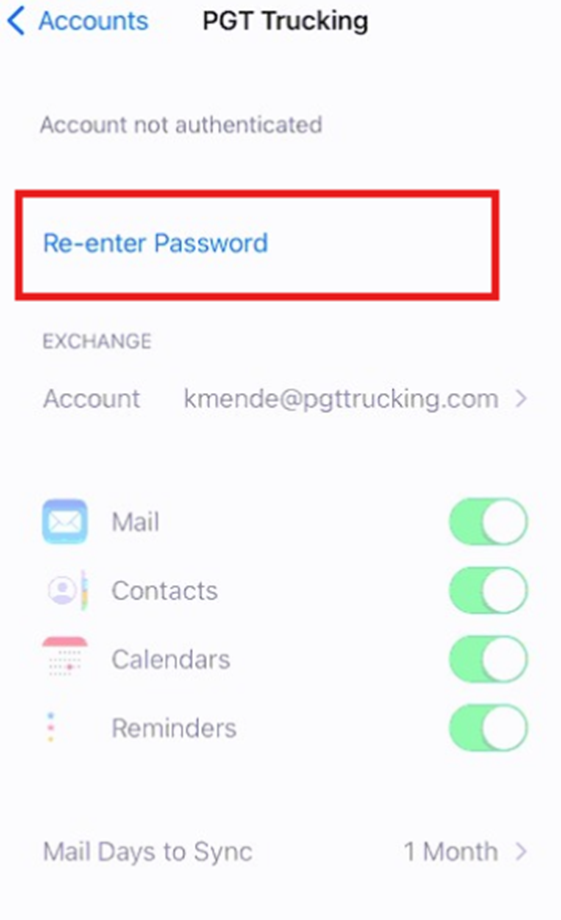
Step 6: Sign in. You will be redirected to a prompt from Duo Security.
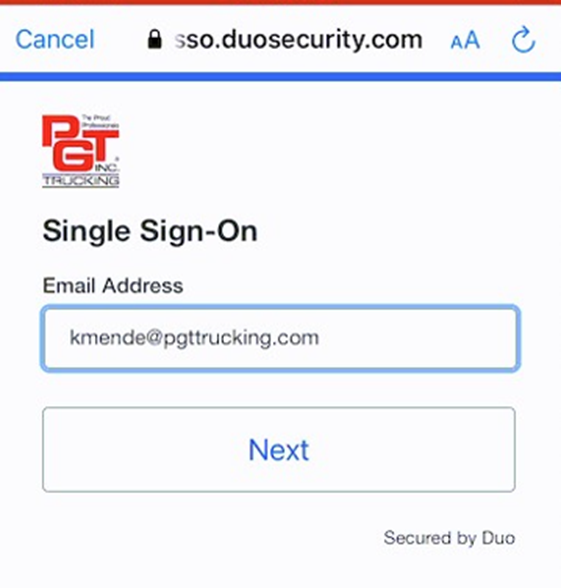
Step 7: Approve the Duo Push. You will need to switch to the Duo Mobile app, approve the push notification, and then switch back to the Settings window.
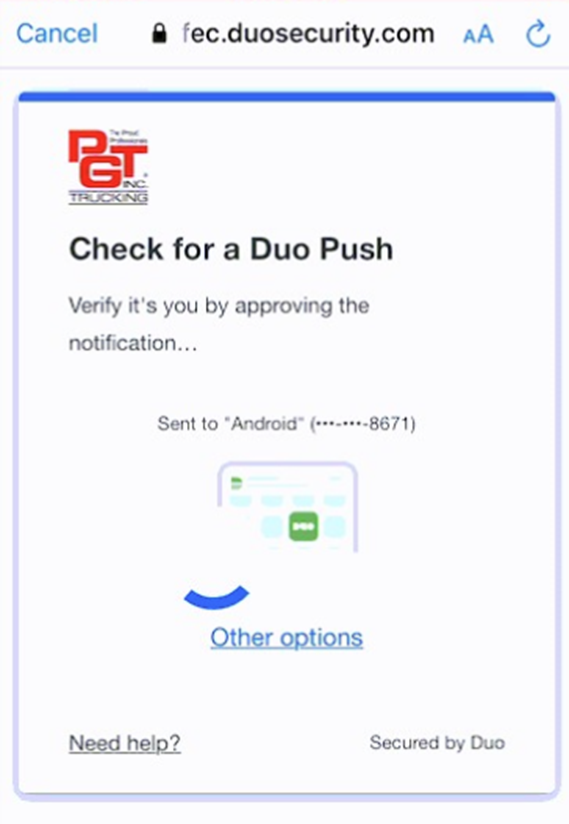
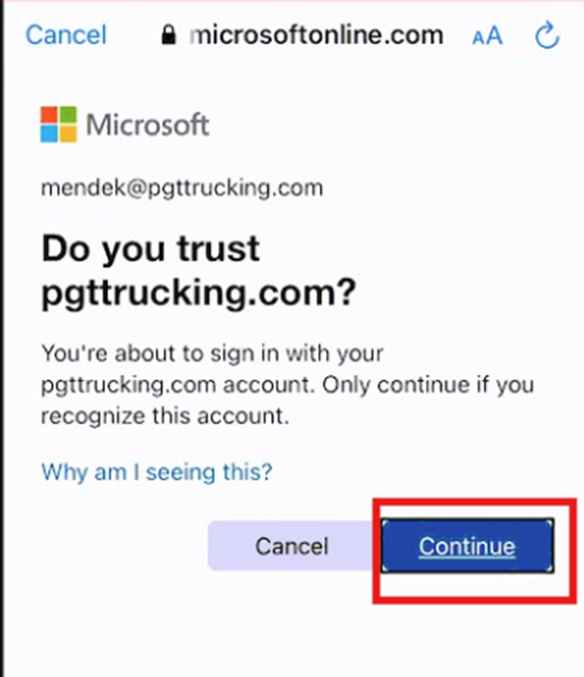
Step 8: Click Continue. Important: This is easy to miss, and your mail app will not work if you skip this step.
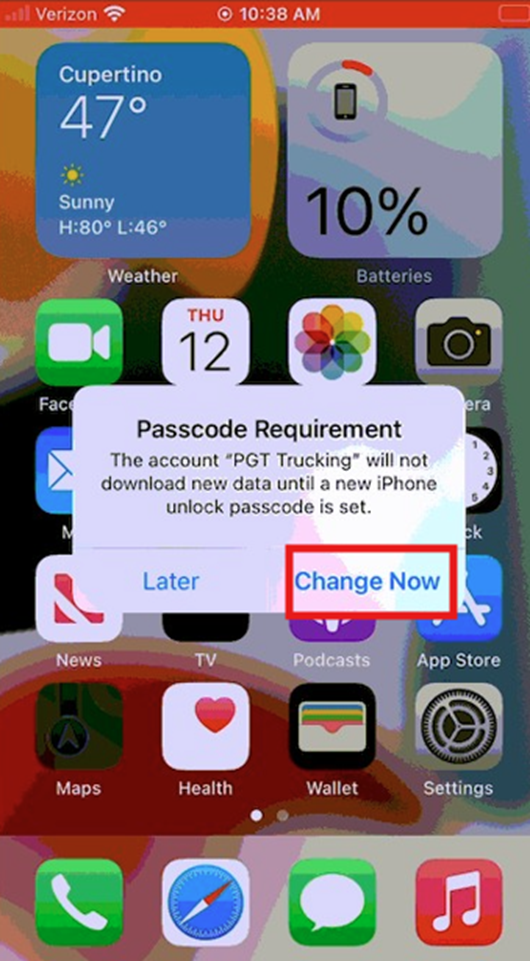
Step 9: Add a PIN. Your mail will not flow if your phone does not have a PIN.
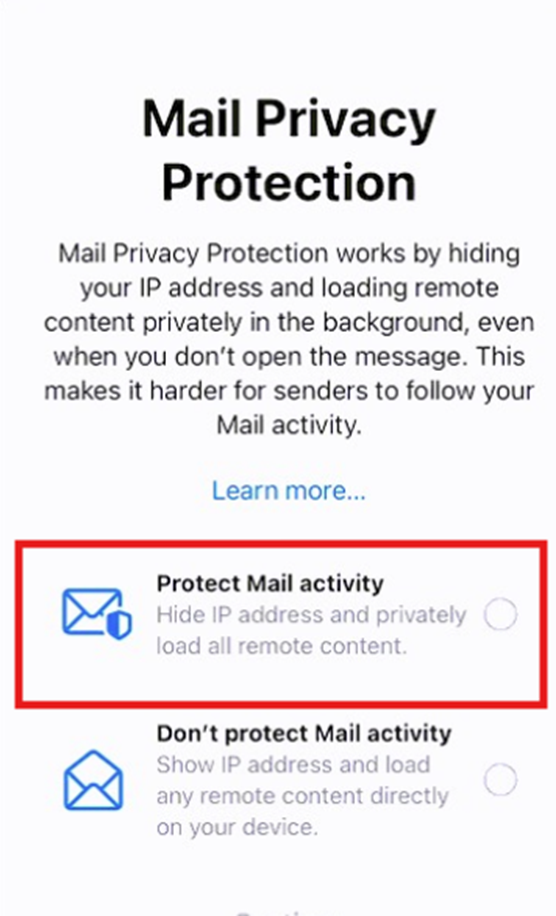
Step 10: Select Protect Mail Activity